
Help Center
Manage Profile
Manage your global profile preferences including your passphrase, contact information, and many other functions.
⚬ 👆Tap the ☰ ‘Burger Menu’ and choose option “Manage Profile” to set following:
- Status
- Organization
- Profession
- Professional Name
- Role
- Manage Buzz Phone
- Create Geofence
- Show Notifications
- Prevent Discovery
- Show Online Status
- Read Receipts
- My Identity (QR Code)
- QR Code scanner
- Change Password
- Manage Passphrase
- Group Membership
- Snooze Conversations
- Notification Sounds
- Ringtone Tune
- Blocked Users
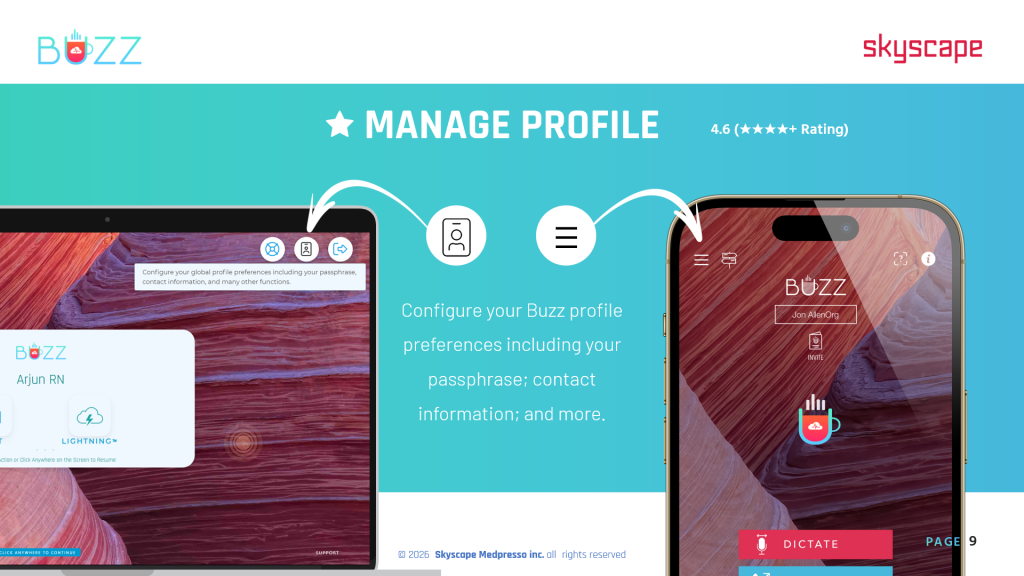
⚬ From the ‘Buzz Home screen Dashboard’ ☰ > 🖱️click the ‘Manage Profile’ icon 
- Name
- Password
- Nickname
- Status
- Organization
- Profession
- Professional Name
- Role
- Secret Passphrase
- Show Push Notification
- Non-Discoverable
- Online Indicator
- Send Read Receipt
- Communication Preferences
- Customize Reactions List
- Mark All ‘Unread Messages’ as ‘Read’
- Bypass Category Filters for New 1:1 Messages
- Currently Active Sessions
