Skip to main content
Help Center
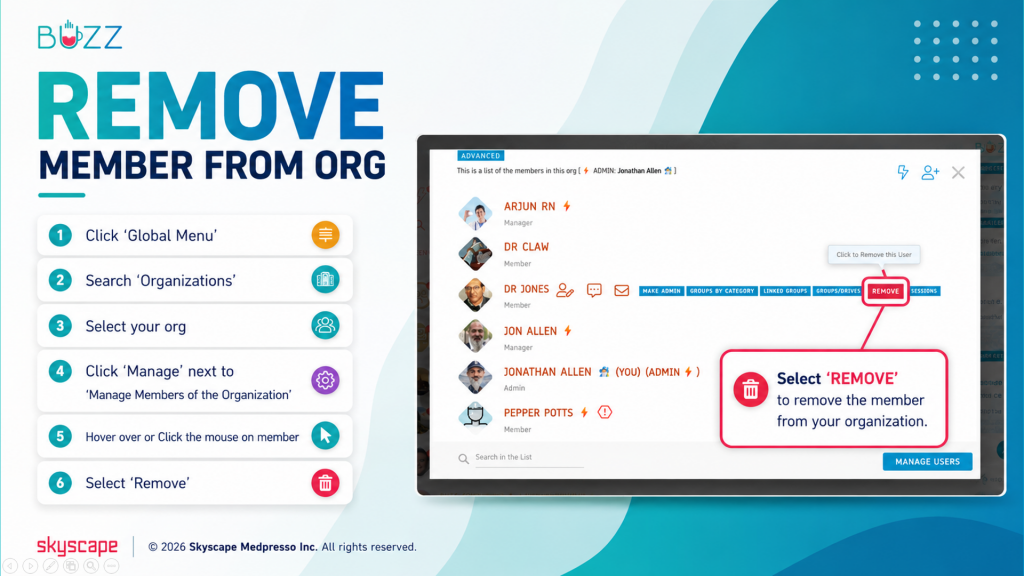
Org Admin and Manager(s) have the ability to remove members from the Buzz Organization.
When a member is removed from the Buzz Organization:
- There account is disabled, and can no longer log in to Buzz.
- They are removed from all groups and drives LINKED to the org.
- Any linked groups that they were an Admin of- they forfeit the Admin rights and its given to a Manager of the group or Manager of the Org.
- Any 1:1 chats while they were in the org are no longer visible to them.
⚬ 🖱️Click the ‘Global Menu’ 
⚬ Choose ‘Organizations’
⚬ Select your org
⚬ Click ‘Manage’ next ‘Manager Members of the org’
⚬ Hover or click the mouse on member
⚬ Choose ‘Remove’